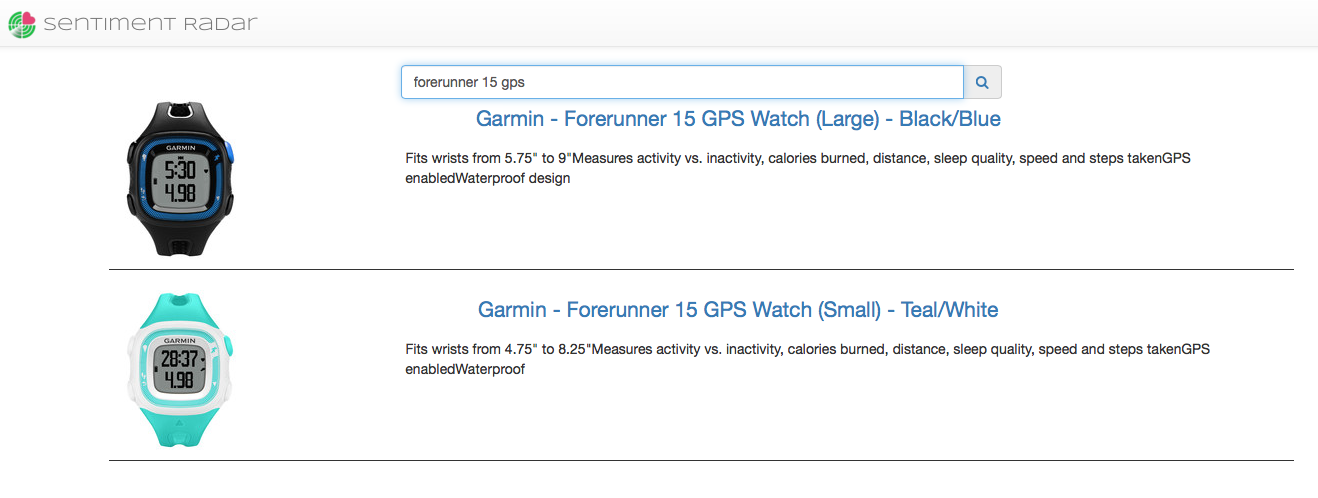
Let's find out how search works inside Sentiment Radar.
When you first sign in you are taken to your personal landing page. It looks something like this:
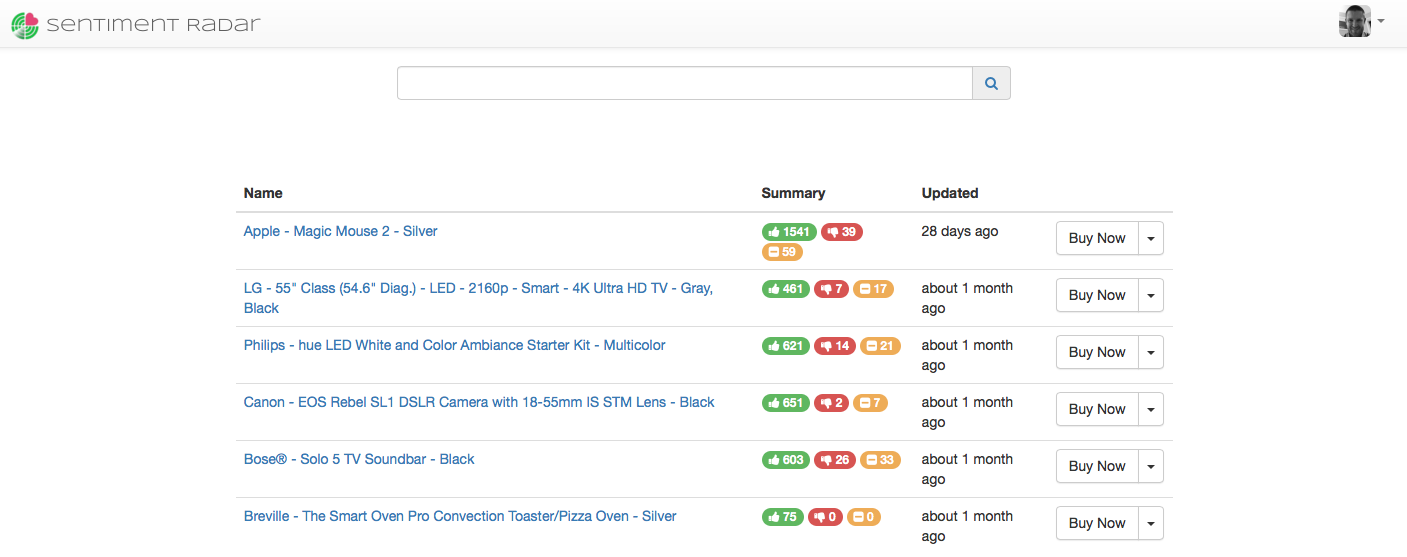
The content of this page includes a brief summary of all the products you have investigated. In the event this is the first time you are signing in this page will show you a list of the currently featured products. Once you have explored your first product you will no longer see featured products in this view.
More importantly for today's discussion is the search bar above the table. That same search bar is featured through out the application, in the product detail view:

As well as root of the application:
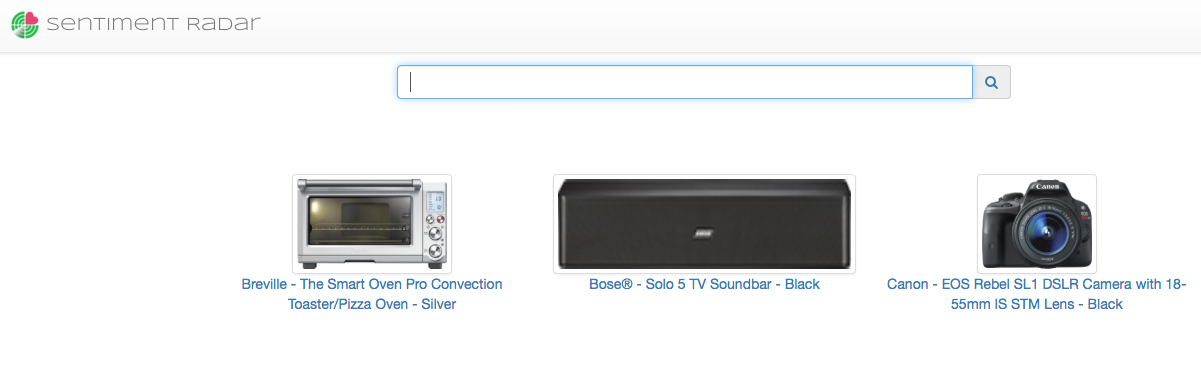
Examining a new product is a simple act of searching for the product via the search bar. Enter your terms in the box and press enter.

When the search is complete you will be presented with the results where you can select to analyze the product that most interests you.